Connect your knowledge
We organize and securely connect the documents, policies, procedures, manuals, and information your team relies on.
We configure and deploy AskFirmBrain around your approved information, users, security requirements, branding, and workflows.
We organize and securely connect the documents, policies, procedures, manuals, and information your team relies on.
We configure the AI around your business, users, permissions, branding, workflows, and approved knowledge sources.
Launch a branded private assistant through your company domain—for example, ask.yourcompany.com.
Your team asks questions naturally and receives answers based on approved company knowledge, with source references when available.
See how administrators and team members move from document management to source-backed answers in a clear, repeatable workflow.
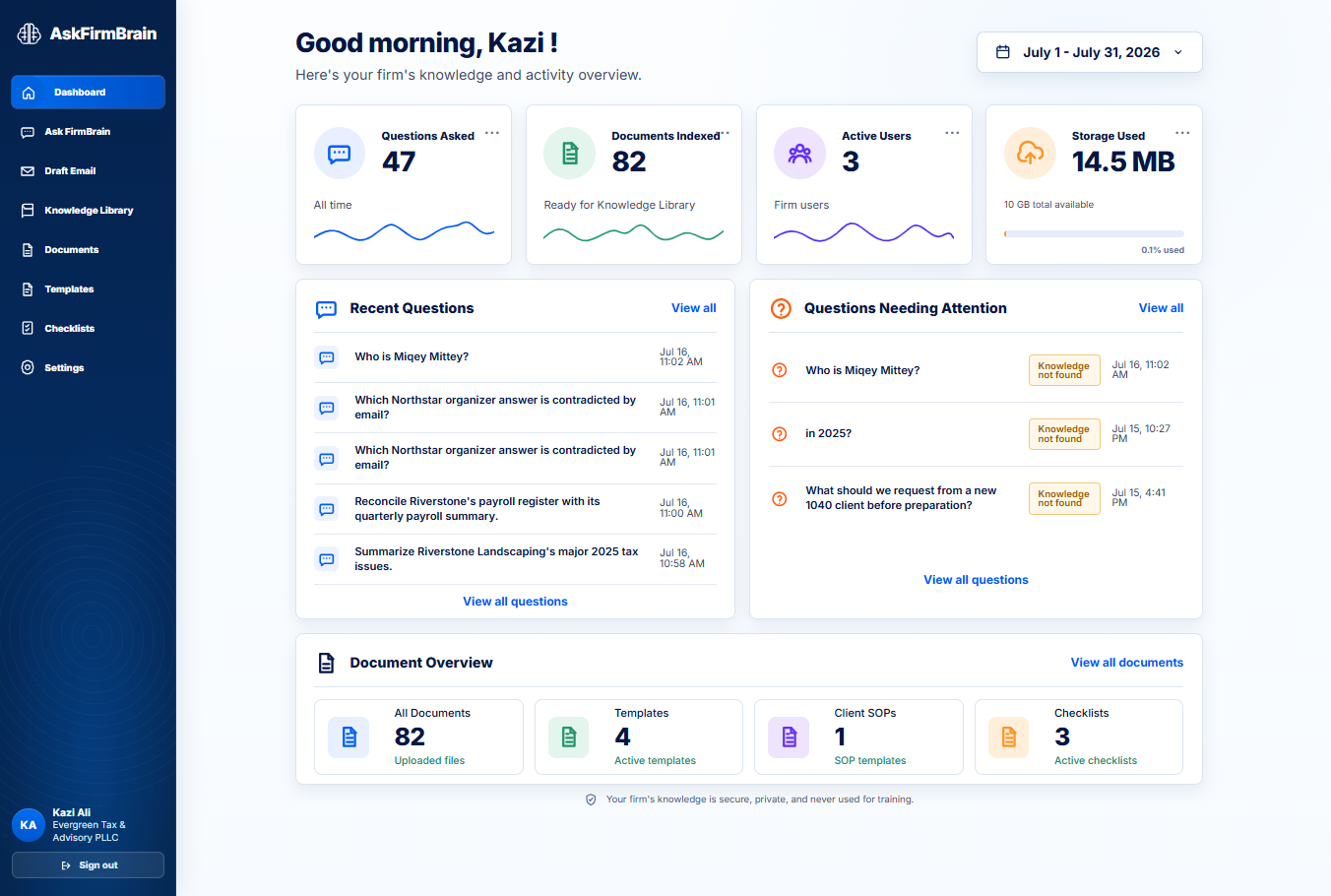
The dashboard brings questions, indexed documents, active users, storage, and items needing attention into one view.
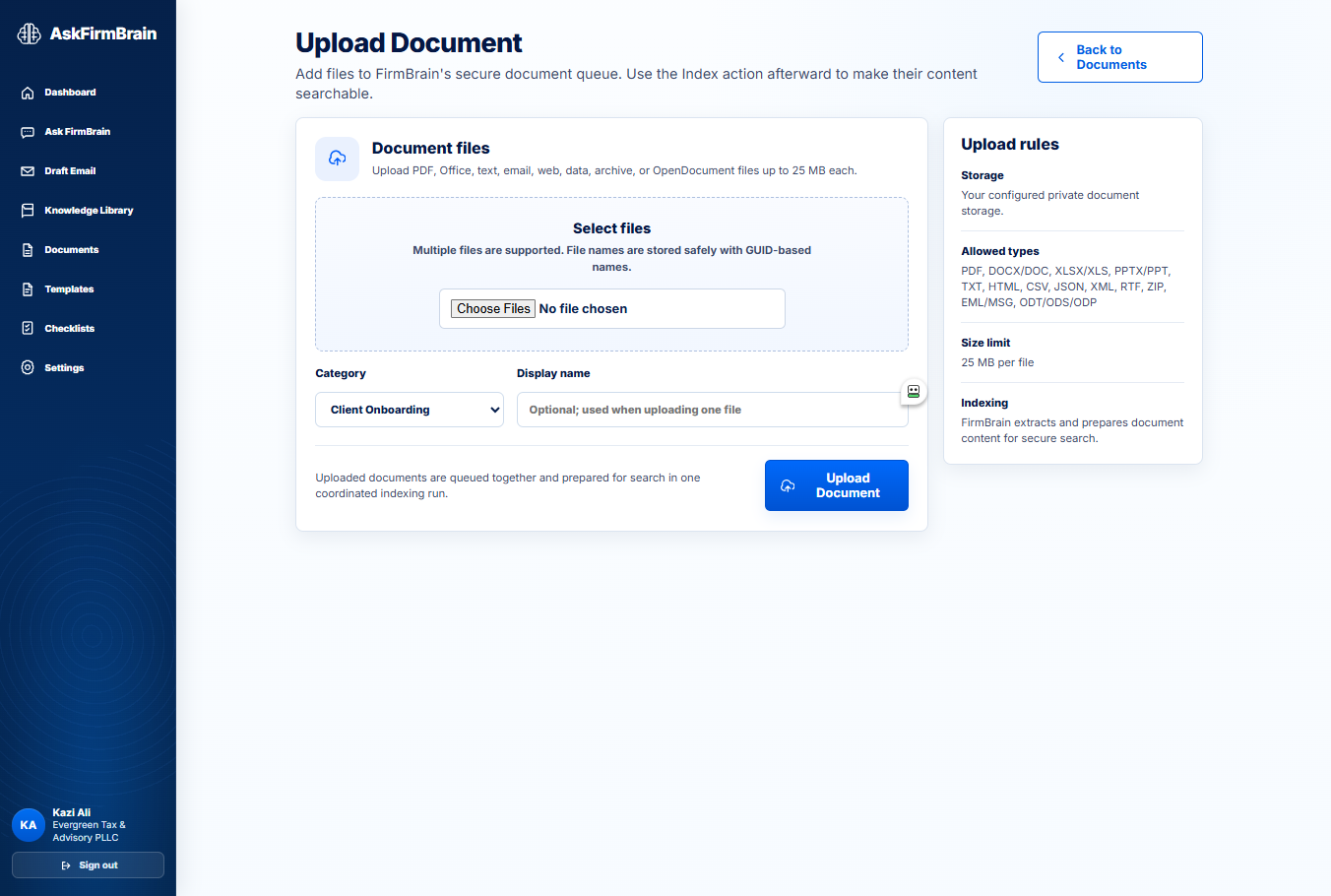
Select one or several authorized files, assign a useful category, and add them to the organization’s secure document queue.
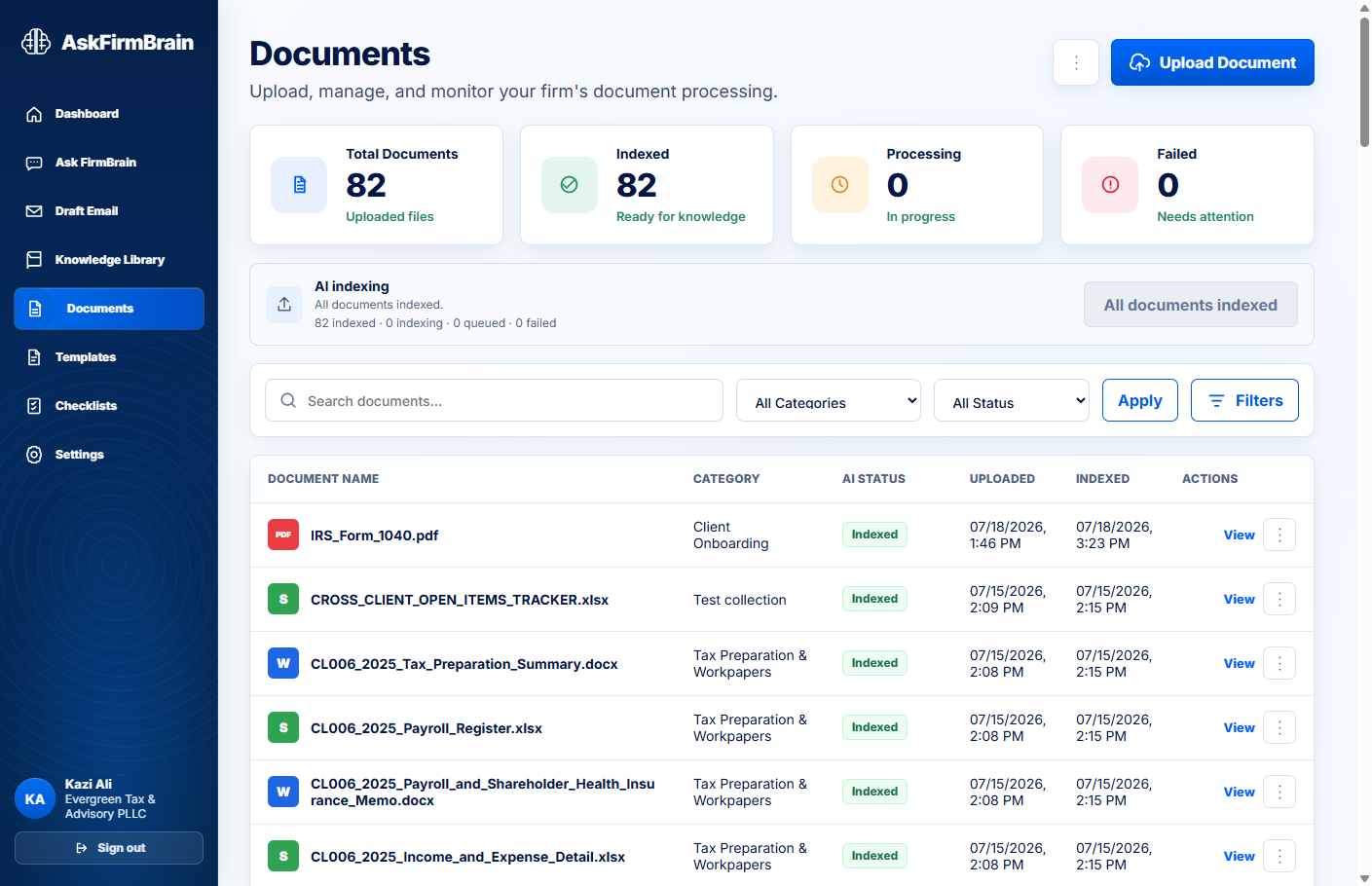
Track approved company resources in one managed workspace as they move from upload to searchable content.
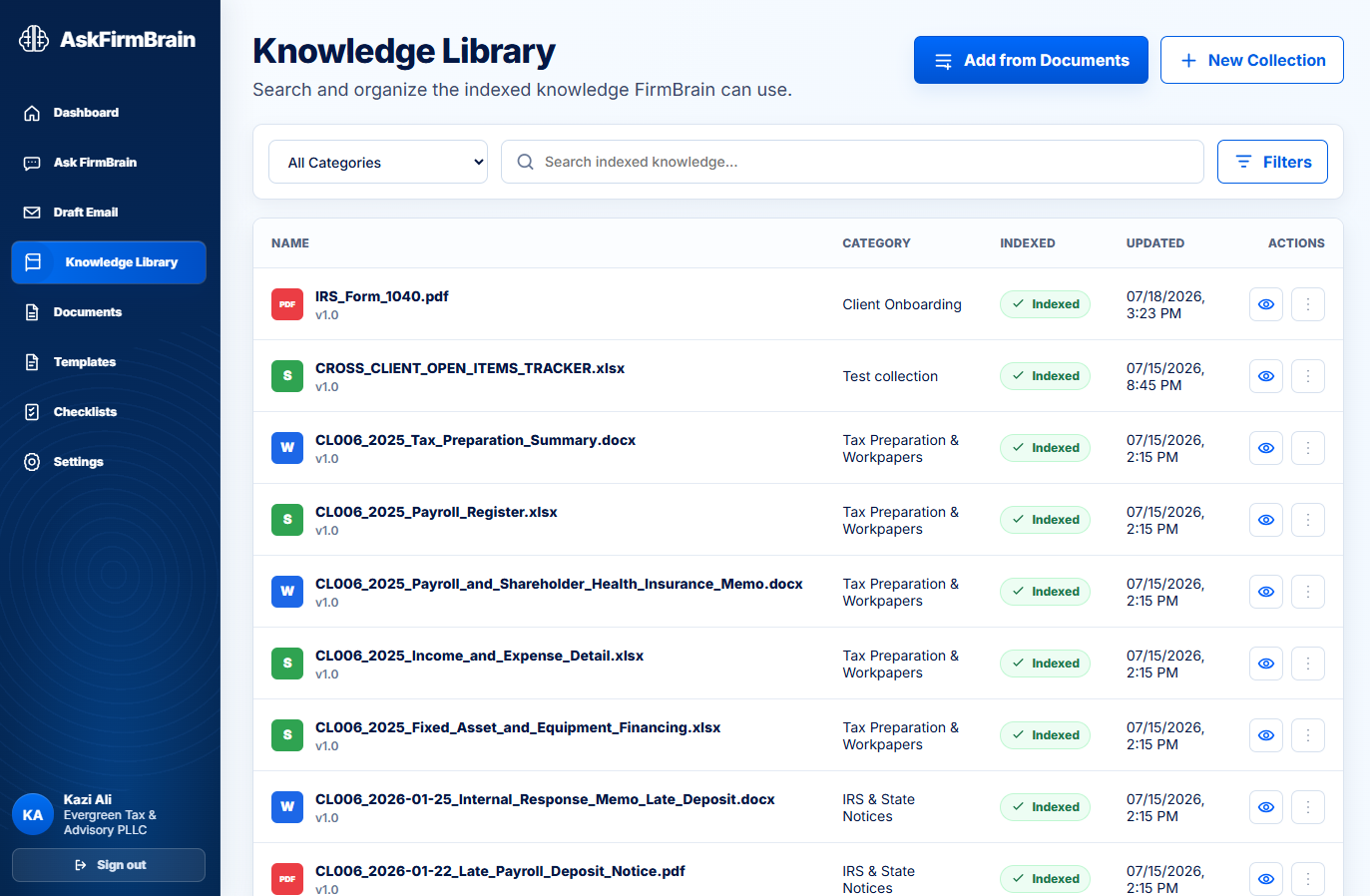
Indexed resources become easy to search, filter, categorize, and review—giving administrators control over what FirmBrain can use.
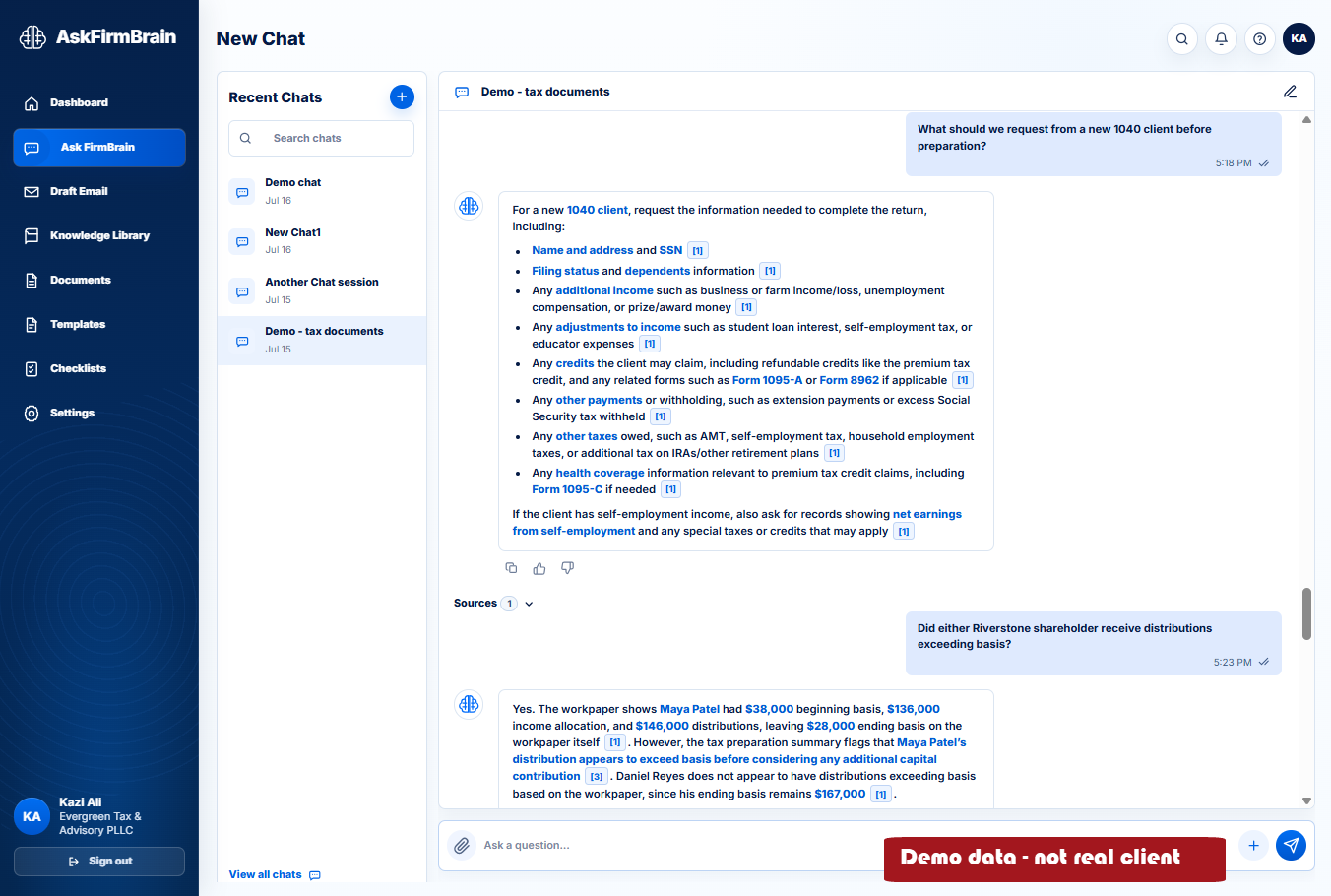
Team members ask questions in plain language. AskFirmBrain retrieves relevant company knowledge and presents an answer with citations for review.
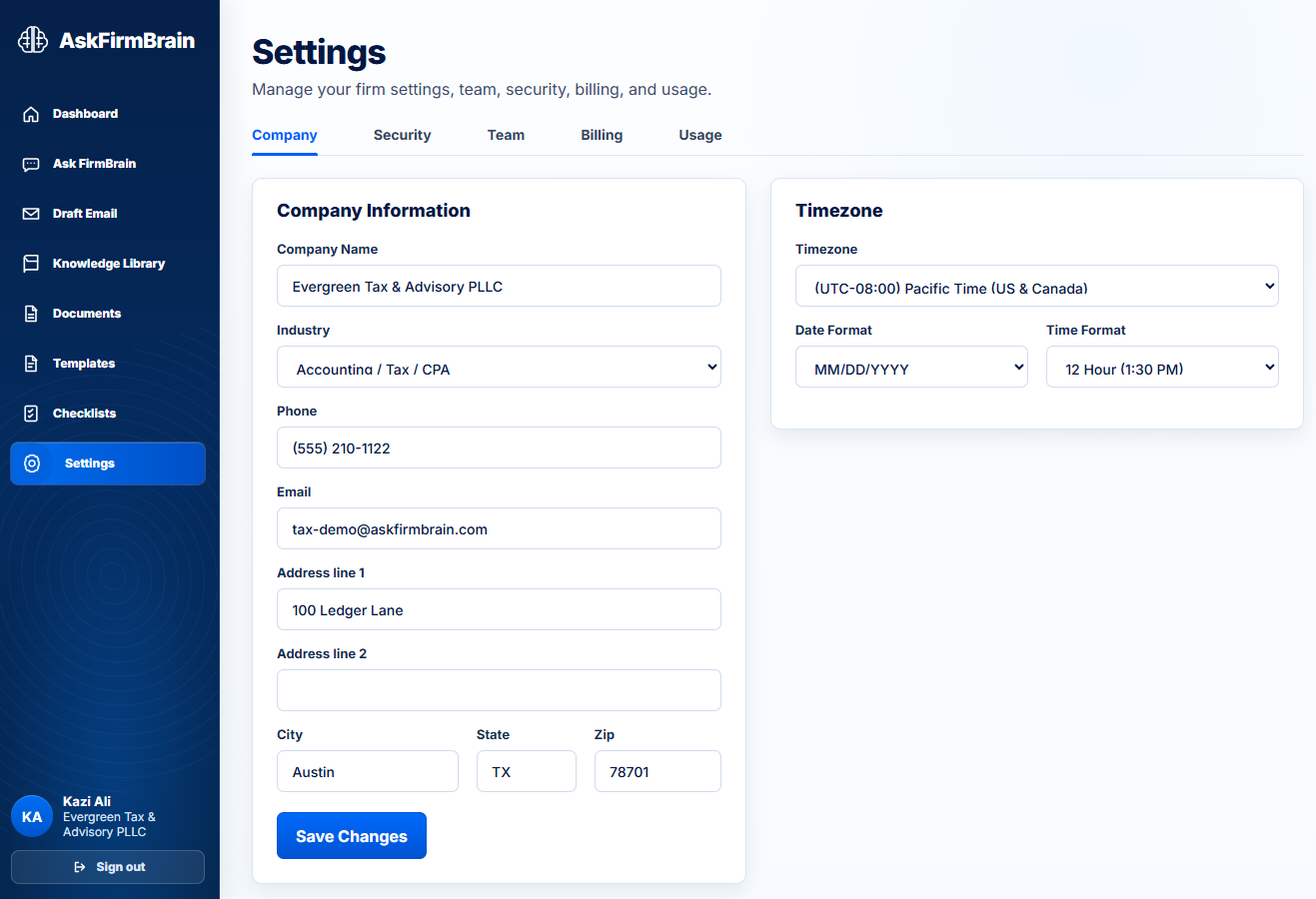
Administrators can maintain company details, branding, team access, security preferences, billing, usage, and regional settings.
Business teams often store policies, procedures, templates, and operational guidance across many files. AskFirmBrain gives the team one place to ask questions over the available company knowledge.
AskFirmBrain is designed around company-owned resources, controlled workspace access, document management, and answer review. It is not a public chatbot intended to answer without organizational context.
People remain responsible for checking sources, applying judgment, and deciding whether an answer is appropriate for the task at hand.
AskFirmBrain helps retrieve and summarize company knowledge. It does not replace qualified judgment or final decision-making. Your team remains responsible for reviewing answers and available sources before relying on them.